 Strokara: Draw & Replay for Android
Miss Live Message?
Draw on photos again.
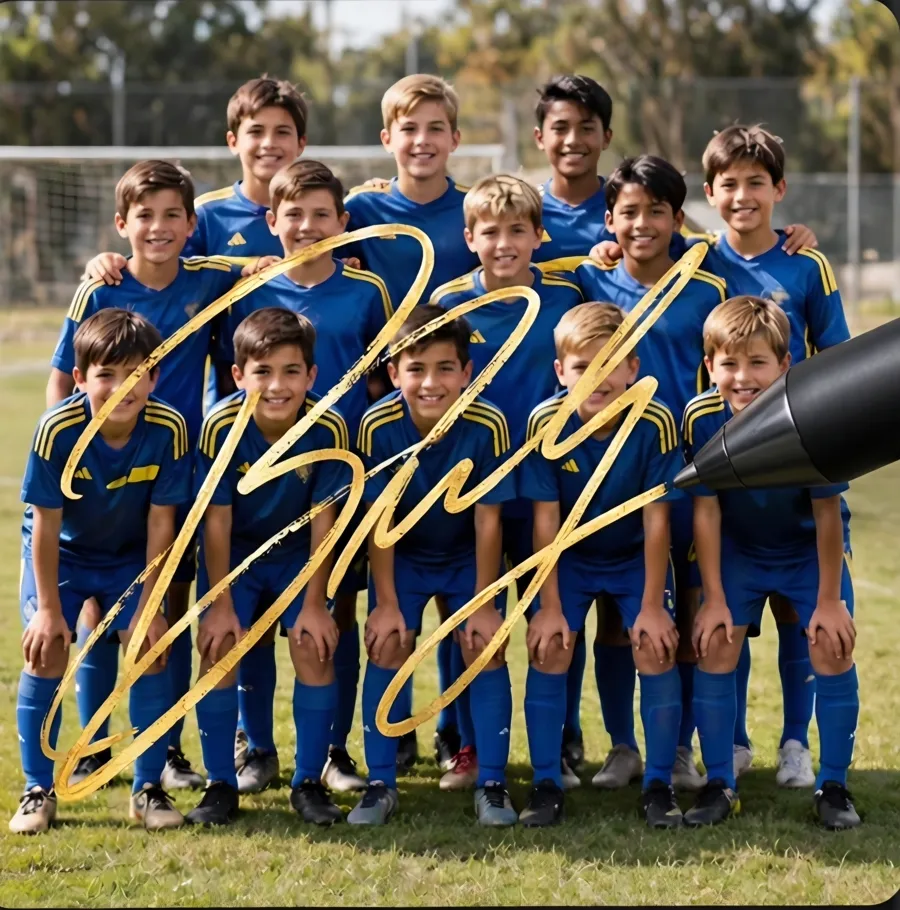
Samsung dropped Live Message on newer Galaxy models, and Strokara was inspired by it. Draw or write on any photo with your finger or an S Pen, watch every stroke replay, export it as MP4 or GIF.
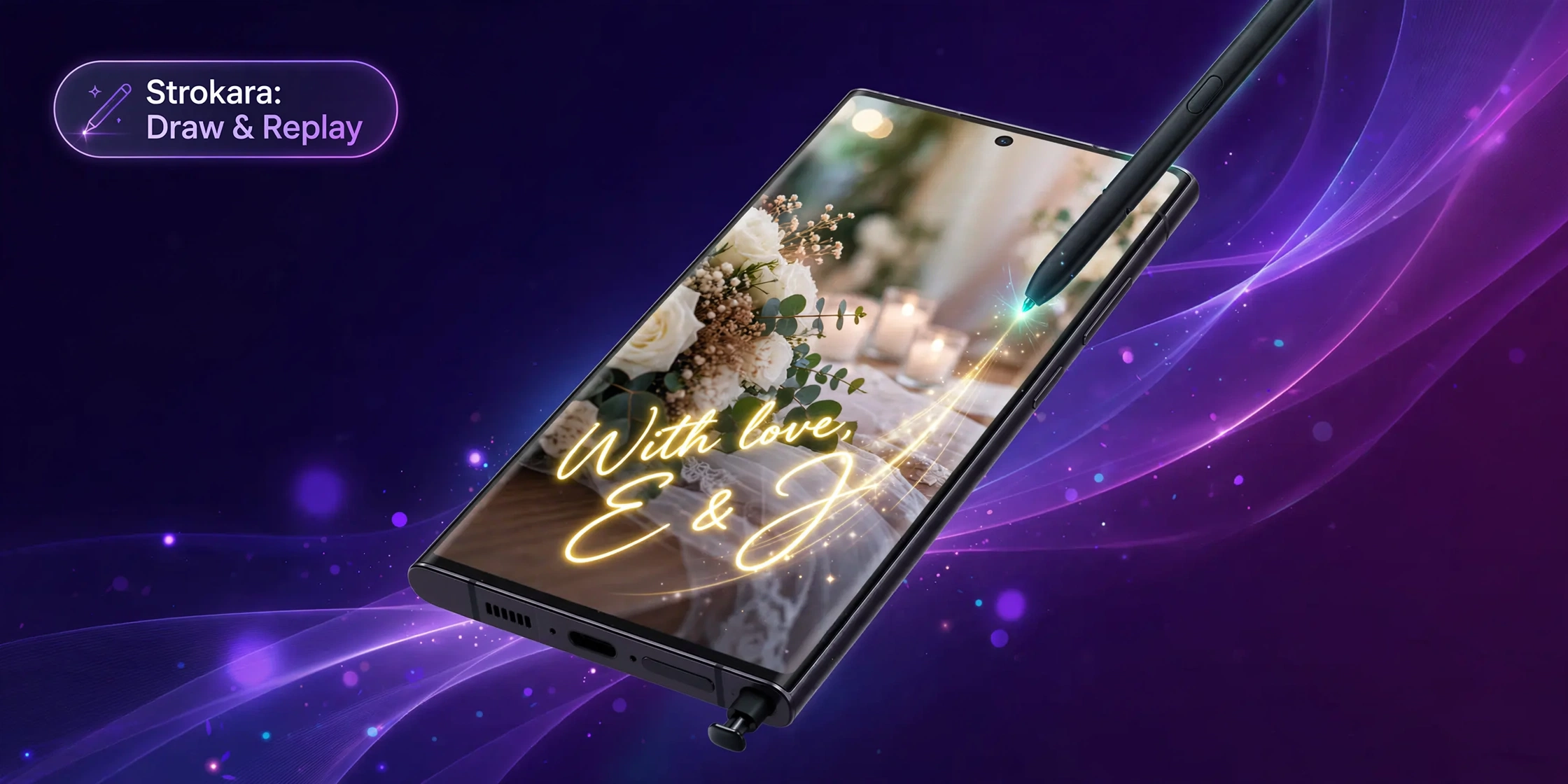
See it in action
Draw, replay, export.
Inside the app
Real screens from Strokara on Android.
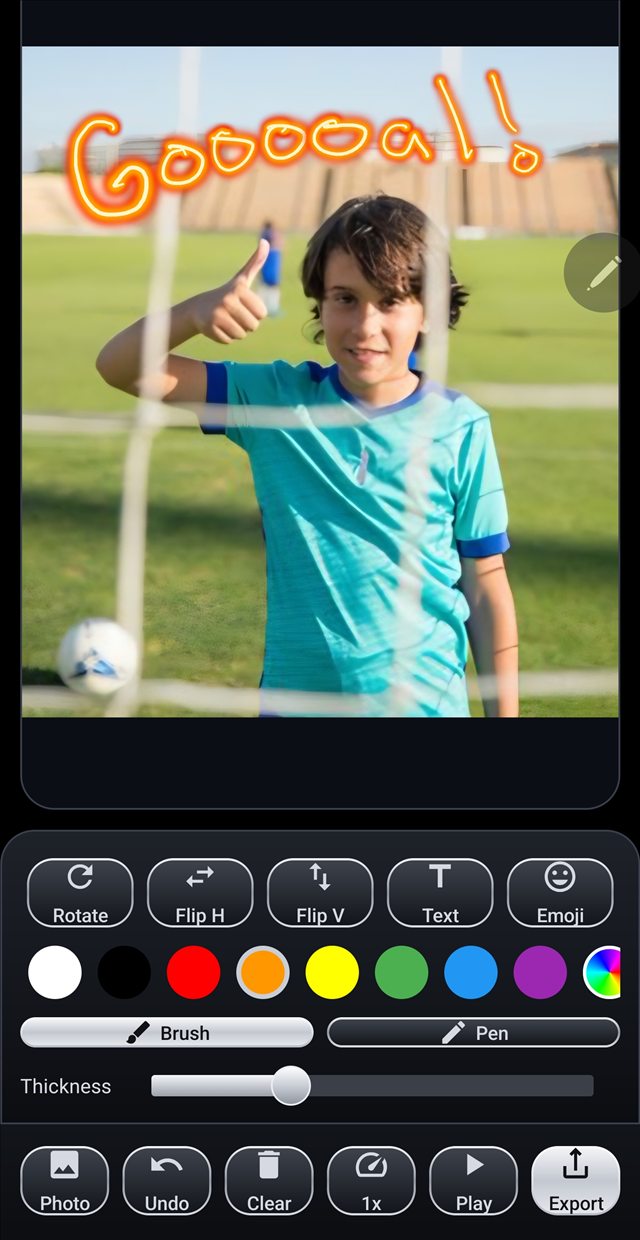
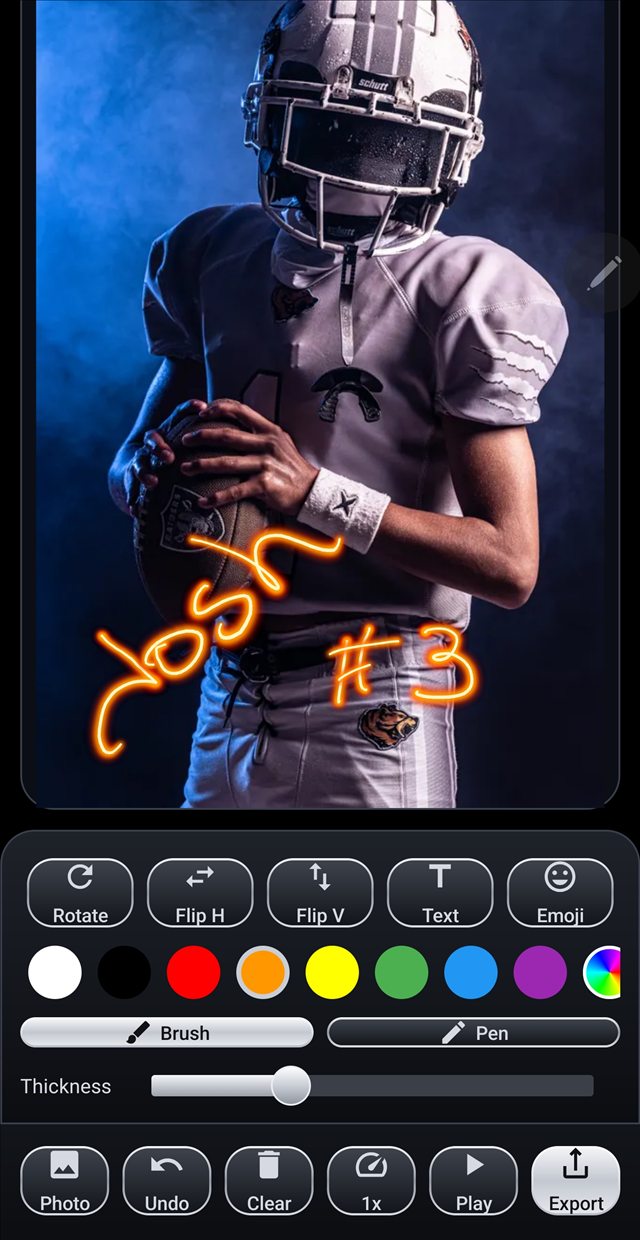
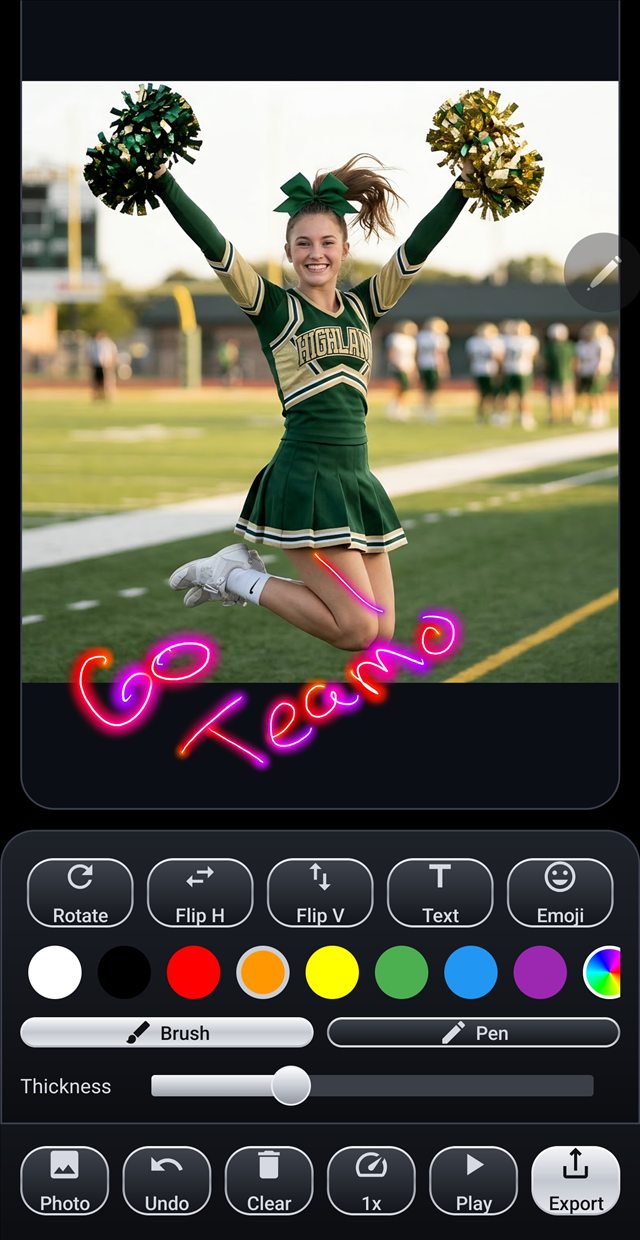
Real exports
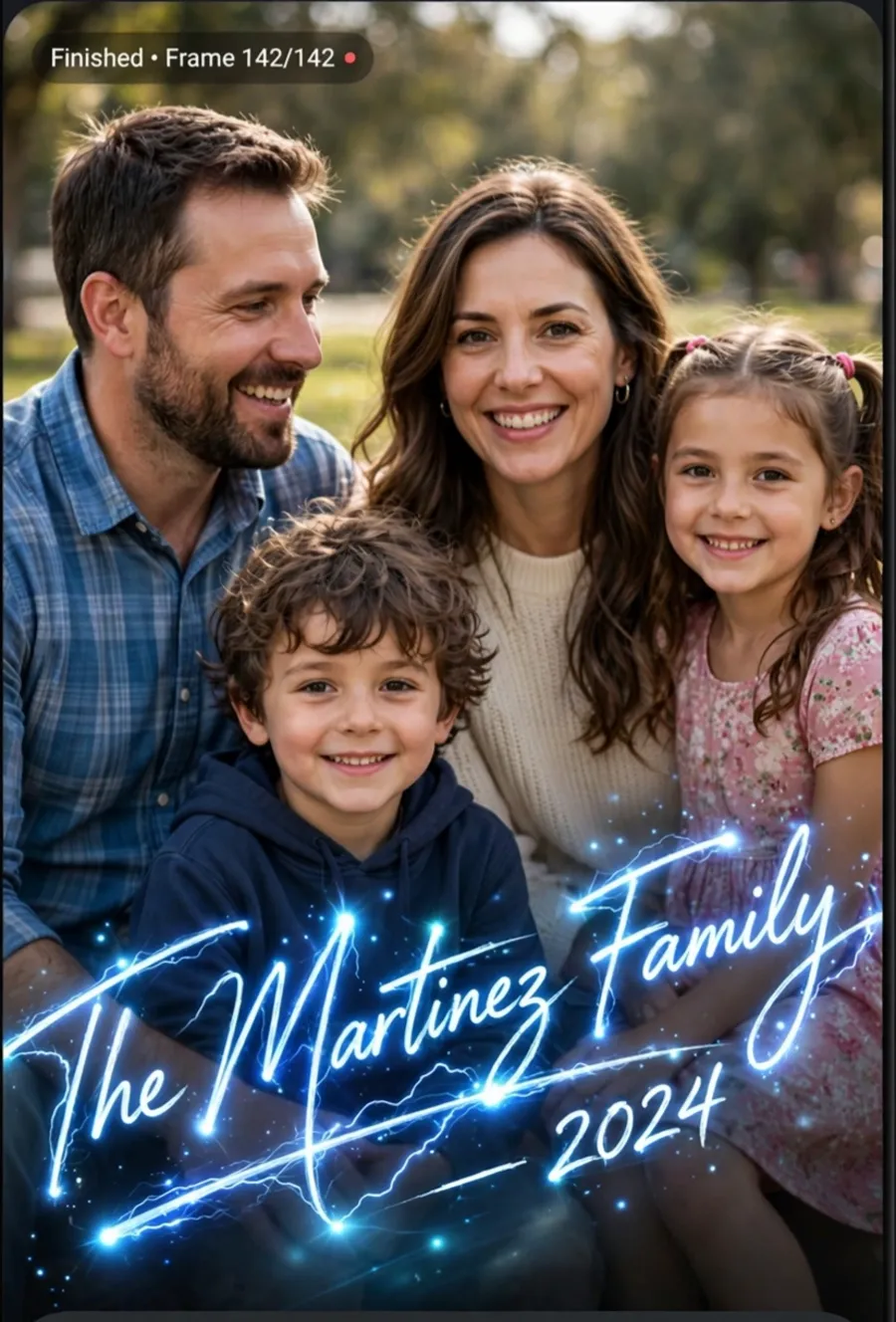
Animated GIFs, straight out of the app.


Three steps, no learning curve
Draw or write
Pick a photo or snap one in the app. Add a signature, a heart, a message with your finger or an S Pen. With an S Pen, pressure changes how thick and bold the line is.
Watch it replay
Strokara plays your drawing back stroke-by-stroke, exactly as you made it. Speed control from 0.5x to 2x.
Export and share
Save the replay as an MP4 or GIF and send it to anyone.
Made for the way you actually use it
What you get
A small, focused app that does one thing well.
Real S Pen pressure
Press light for a thin line, press hard for a bold one.
Stroke-by-stroke replay
The whole drawing plays back in the order you made it.
MP4 & GIF export
Share the finished replay anywhere — chats, feeds, anywhere.
Camera or gallery
Start from a photo you have or take a new one without leaving the app.
Questions
Do I need an S Pen?
No. You can draw and write with your finger on the screen. An S Pen adds pressure sensitivity, so lines get thinner or bolder as you press. Check the Google Play listing to see whether your device is supported.
What phones is it for?
It is an Android app, and you can draw with your finger. Galaxy devices with a built-in S Pen, such as the S Ultra line, add pressure sensitivity. Google Play shows whether your device is compatible.
Can I share my replay with people who do not have the app?
Yes. Replays export as standard MP4 video or GIF files, so you can send them to anyone.
Is it really a one-time purchase?
Yes. $2.99 once, yours to keep. No ads, no subscription, no data collected.
Is this affiliated with Samsung?
No. Strokara is an independent app by one developer, inspired by the discontinued Live Message. Not affiliated with or endorsed by Samsung.